Smart Manufacturing Technology Ltd - Complete UK Guide
How to Keep Your Weight Private on a Shared Family Smart Scale
On a shared family scale, give each person their own account on their own phone to keep your weight and readings private — here's how to set it up.
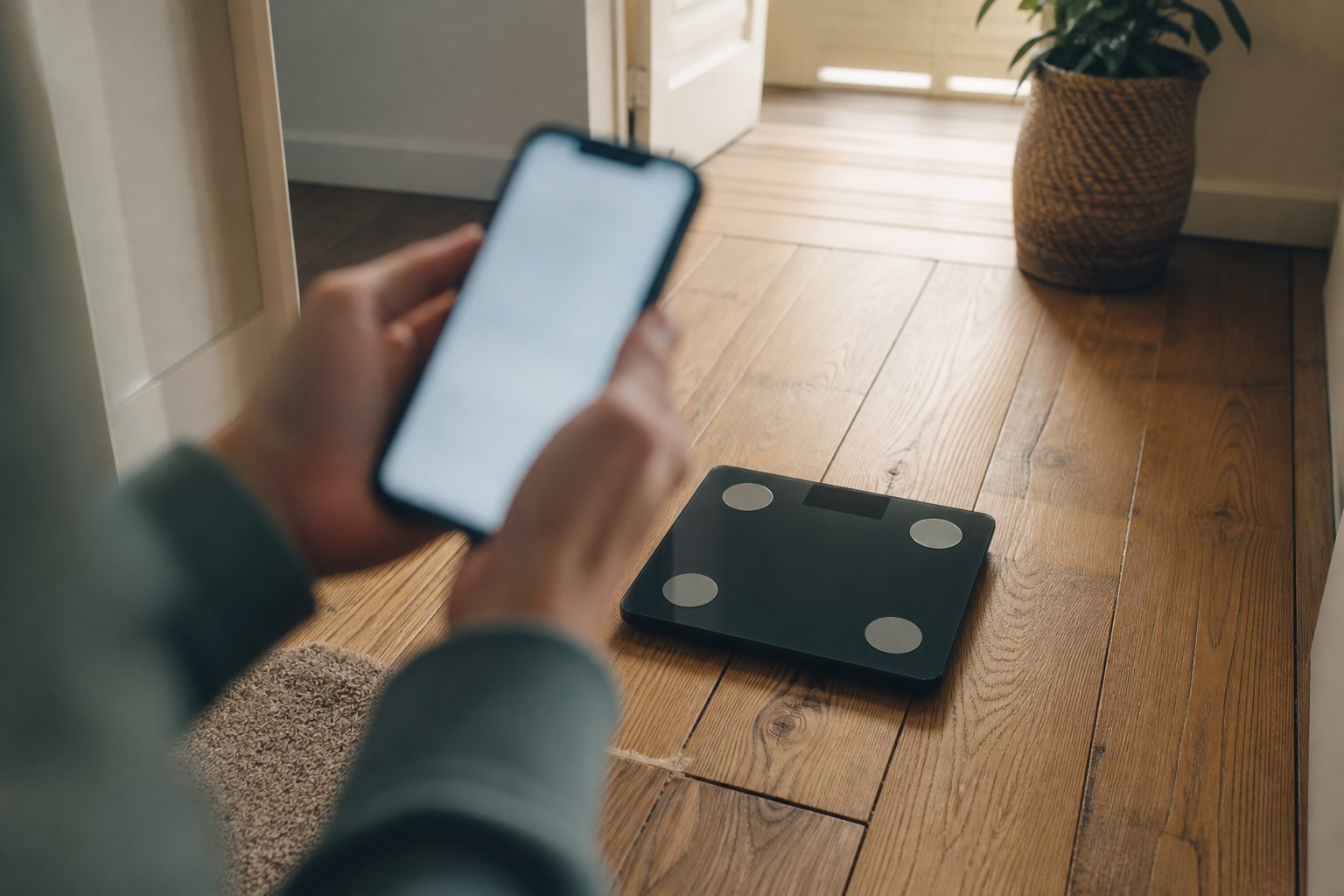
On a scale you share with your household, the dependable way to keep your weight private from your partner is to give each person their own account on their own phone — not shared “profiles” that all sit under one person’s login. Set up that way, your weight, body-composition figures and history sync straight to your app, where only you can see them. Open your app before you step on, so the reading is claimed by your account rather than left on the scale for the next person. The display shows only a brief weight number as you weigh; the detailed picture stays private in your account.
Your weight is personal, and you don’t owe anyone a reason for keeping it to yourself — whether you’re following a medical weight-loss programme, rebuilding a calmer relationship with the scales, or would simply rather numbers weren’t discussed over breakfast. Here’s how shared smart scales handle this in practice.
Two ways to share one scale — and only one is truly private
Almost every family scale can be set up in one of two ways, and the difference decides who sees your numbers.
- Separate profiles under a single account. One person creates an account and adds everyone else as profiles inside it (usually a “User Management” or “Family” menu). Each profile keeps its own history, but the account owner can switch between profiles and see everybody’s data. This suits a parent tracking a young child or a coach following clients — it is not private from that owner.
- A separate account for each person, on their own phone. Everyone installs the app, creates their own login, and shares access to the same scale. Your data then syncs only to you, and nobody else — not even whoever set the scale up first — can open their app and see your weight. This is the setup you want to keep your weight private from your partner, or to hide your weight from family more broadly: separate private accounts, one scale.
If you’re currently a profile under your partner’s account and would rather they didn’t see your readings, the fix isn’t a hidden toggle — it’s moving to your own account on your own phone.
How to set up a private account on a shared scale
- Install the app on your own phone and create your own account. Your own email and password are what keep your data yours.
- Add or share the scale to your account. Add it from scratch, or use the app’s “share this scale” option if your partner set it up first. One scale can serve several private accounts at once.
- Fill in your own profile. Height, age and sex personalise the estimates and, because they live in your account, aren’t visible to other users.
- Open the app to the measurement screen before you step on. This is the habit that matters: with the app open, the reading goes straight to your account instead of being stored on the scale for the next person. Weigh with it closed and the scale may hold that reading and offer it to whoever connects next.
In short: share the scale, but not the data.
What about the number on the scale’s display?
A shared scale still lights up with a weight figure as you stand on it, and that’s the one part account settings can’t hide. Keep it in proportion, though: the display flashes only your weight for a few seconds, not body fat, muscle or your history — all of which sit in your app behind your login. The momentary number is only an issue if someone is watching over your shoulder.
If that still bothers you, weigh when you have the bathroom to yourself, or choose a scale with a “hide-the-number” (sometimes called eyes-closed) display mode, which shows a neutral graphic while still recording your weight privately to the app. On any scale that shows the figure, remember your real privacy comes from the account setup, not the LED.
When the scale logs your reading to the wrong person
Smart scales guess who’s on them mainly by weight, so two people who weigh within a kilo or two of each other can be mixed up — or shown only weight and BMI, because the scale isn’t sure who they are. Two habits keep it tidy:
- Open your app before weighing, so the reading is assigned to you rather than guessed.
- Keep your profile current, and delete any stray reading that lands in your history.
Regular unrecognised readings usually mean someone is weighing without their own app open — the cue to get everyone onto their own account, the simplest way to stop family seeing your readings.
Household privacy is not the same as data privacy
It’s worth separating two worries. This article is about household privacy — stopping the people you live with from seeing your readings. That’s different from data privacy: what the app and company do with your figures behind the scenes, what they store and share, and your rights to see or delete them under UK GDPR. Locking down who at home can view your numbers does nothing about the second question, and vice versa. If that side matters too, read our guide to smart scale data privacy for how to check what’s collected and keep control of it.
Where the Arboleaf fits
The Arboleaf smart scale is built around this “share the scale, not the data” approach: the free arboleaf app lets each family member run their own account on their own phone, so your weight and body-composition history stay yours while the scale still recognises everyone who steps on. Core measurement, syncing and CSV export are free — no paywall on seeing or exporting your own numbers — and the 8-electrode design with detachable handle adds segmental (per-limb) readings and steadier trends once you’re ready to look at composition. If several of you will share it, the Arboleaf whole-family setup covers adding accounts and profiles so everyone gets a private space of their own.
Bottom line: to keep your weight private from your partner on a shared scale, give each person their own account on their own phone, open your app before you weigh, and treat the brief number on the display as the only thing anyone else can glimpse.
FAQ
Can I keep my weight private from my partner on a shared scale? Yes. Create your own account in the app on your own phone and share access to the scale, rather than being a profile under your partner’s account. Readings then sync only to you. If you’re already a profile inside their account, they can see your history — so switch to your own account.
Will my weight show on the scale’s display for others to see? The display shows your weight for a few seconds, but not the detailed body-composition figures or history, which stay in your app. If the momentary number concerns you, weigh alone or pick a scale with a hide-the-number mode. The data is kept private by your account, not the screen.
What if the scale saves my reading to the wrong person? Scales identify users mainly by weight, so similar weights get confused. Open your app before stepping on so the reading is assigned to you, keep your profile details current, and delete any stray measurement in the wrong history.
Ready to try ARBOLEAF?
Shop Now — £119.34